My rushed and completely subjective notes on the Steam Machine.
HDMI CEC is broken
One of the key features that traditional DIY PCs do not have is HDMI CEC support, meaning you can manage volume, power, and input switching in your living room TV setup. Unfortunately it is broken at the moment. At least on my setup which sports an LG C5 TV, Apple TV & a Sonos Soundbar connected via eARC.
Sleep issues
This might be related to the CEC issues, but I also had serious trouble with the machine waking up immediately after putting it to sleep. At some point after waking up I even encountered serious stuttering and performance degradation until the next reboot. The SteamOS 3.8.25 Beta includes a firmware update which might fix all of this:
Steam Machine Firmware 108
- Fixed an issue where the system could occasionally wake up immediately after going to sleep
- Fixed a rare issue where CPU performance could be degraded until reboot after waking up from sleep
Form factor, noise & performance
You don’t realize how small the machine actually is until you take it out of the box for the first time. It’s about half the size of the Xbox Series X but still sports plenty of ports, including a DisplayPort.
A pleasant surprise for the living room is the decent noise level of the device. I was rather surprised that even under full GPU load, the system only emitted a low, unobtrusive hum. In comparison, I found my PS5 less pleasant, but the Series X is still the quietest of them all.
I always respect efficient solutions when it comes to gaming performance. The Switch 2’s 12W is insane when you consider that it can run ports of current-gen games like Resident Evil Requiem. Still, it cannot safely reach 60 FPS with those games and certainly has to rely on a lot of resolution scaling.
After testing a wide range of games on the Steam Machine, I am surprised to say that it is good enough even for modern games. If there’s one thing it showed us, it’s that we somehow lost the way with insane 4K Frame Gen shenanigans, and modern games can in fact look great and perform well even on mid-end hardware.
Take DOOM: The Dark Ages, for example. It’s one of the more demanding games in recent years — it requires raytracing hardware and makes even high-end systems sweat. After some patching, it even ran decently on the Steam Deck, though far from a stable 60 FPS. Since I was right in the middle of the excellent DLC expansion, I decided to finish the final levels on the Steam Machine, coming from my 9070 XT desktop. Turns out, it ran great at 1080p with medium details, and I’m embarrassed to say that while sitting on the couch, I did not really see a lot of difference. I’ll take a stable 60 FPS over some smoke and mirrors any day.
Upgrading the SSD
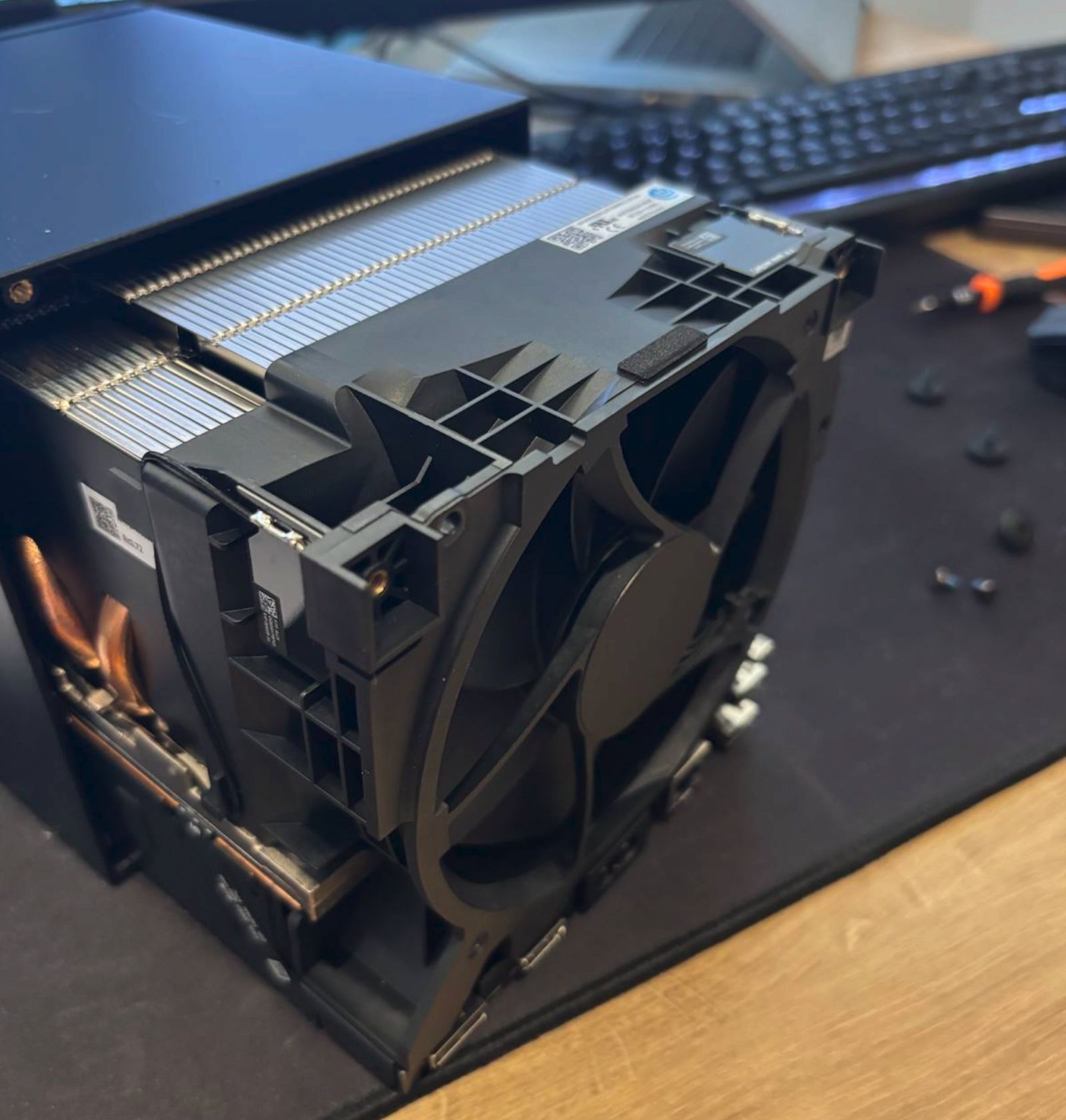
I had a spare 2TB NVMe SSD reserved for the Steam Machine, and installing it was quite easy - just keep the pliers ready for the screw receptacle stud which was really hard to move. RAM (if you can afford it) can also be upgraded, and it takes a few more steps to do so.
Price
While even Valve admitted that the price is not what they initially intended due to the RAM crisis, it’s the reality we have to face now. I went to the German retailer alternate.de and quickly configured a system with just an AMD Ryzen™ 5 7500F, 16 GB Kingston FURY DDR5-5600 RAM, an ASRock Radeon RX 7600 Challenger 8GB OC graphics card, and a 512 GB Kingston KC3000 SSD - and that already cost €854,80 for the individual components without mainboard, PSU etc.
When not to buy
If you have a decent rig under your desktop and don’t need it anywhere near your TV or if you’re already all-in on a console ecosystem like PS5, Xbox, or Switch, then the Steam Machine does not look like a good deal. On the other hand, if you have a large Steam library that you want to take into the living room, then the Steam Machine might be worth a look - if you can get one. As of now, the reservation queues are full, and Valve already let slip that further price increases might be necessary.