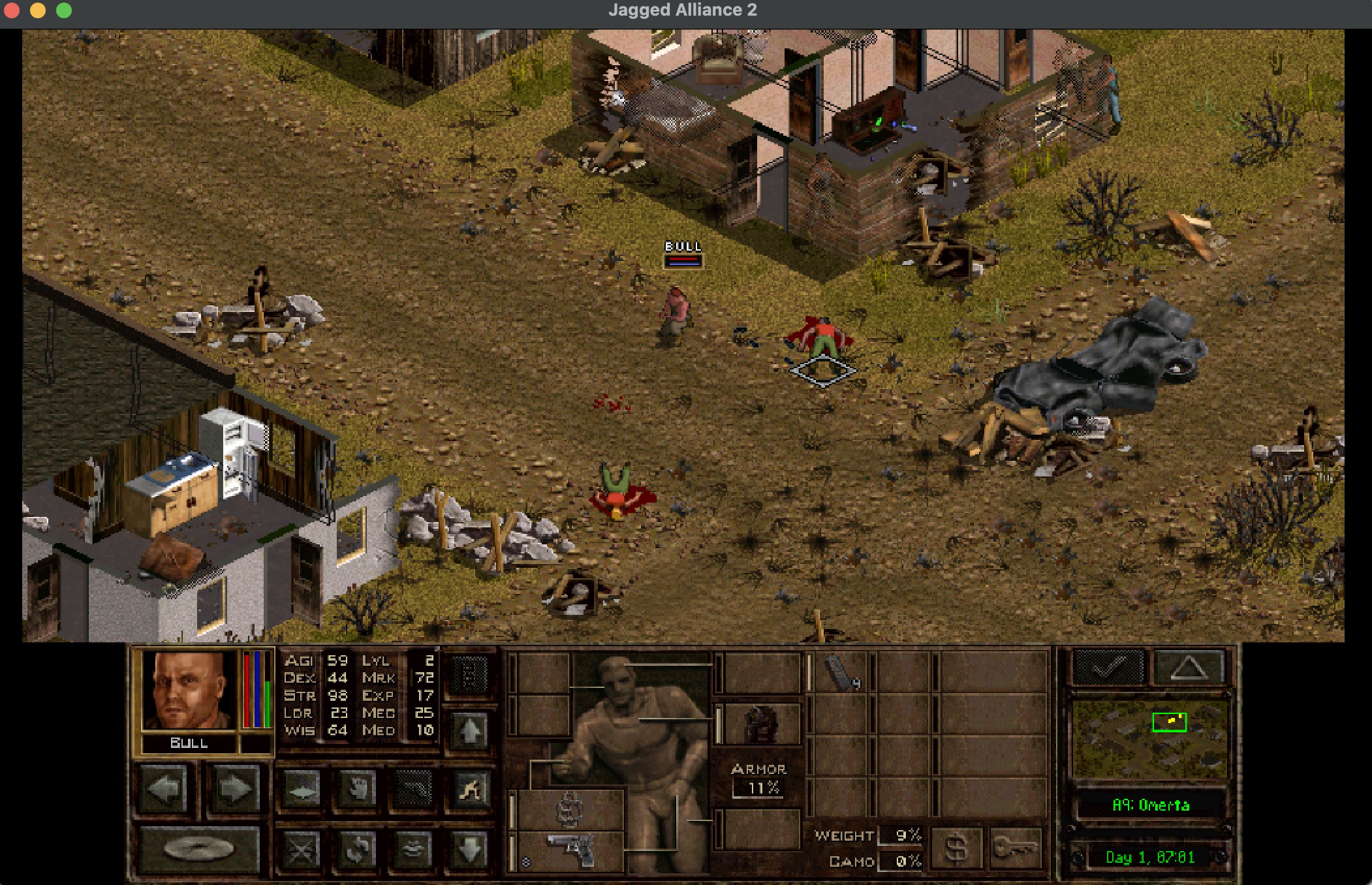
TL;DR: On a MacBook Pro 14" use a 756 x 491 resolution with ’near perfect with oversampling’ in the Stracciatella settings to get a playable fullscreen experience.
After reading through Retro-Gamer’s special 90s issue I stumbled upon Jagged Alliance 2 that I actually played but never finished in said 90s. Since I was at my work MacBook Pro M3 I came across JA2-Stracciatella and discovered that it has native Apple Silicon support. Armed with my GOG copy of JA2, I set it up, and it was working great - except for the resolution.
My 14" MacBook has a native resolution of 3024 x 1964 but macOS defaults to a scaled resolution of 1512 x 982. If you enter 1512 x 982 in the settings window of Stracciatella with the scaling mode pixel perfect centered the game runs fine, but everything will be really tiny on your display. I ended up switching to 756 x 491 with near perfect with oversampling. In fullscreen mode, this will result in a bit more blurry and pixelated image but everyhing is bigger and more readable.